Gallery
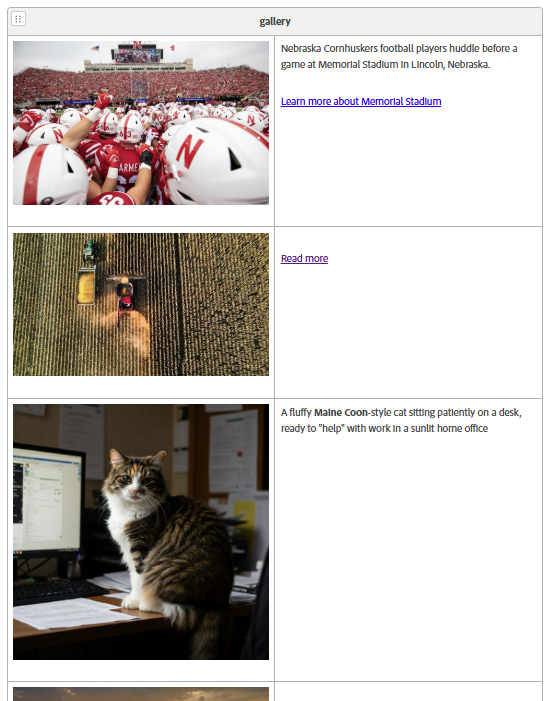
A gallery component showcases collections of images, allowing users to select and view an image full-size. Authors can also add two optional attributes: caption text and a link that appears as a button.
Four possible variations are showcased below:
- Image with caption and link
- Image with link only
- Image with caption only
- Only image
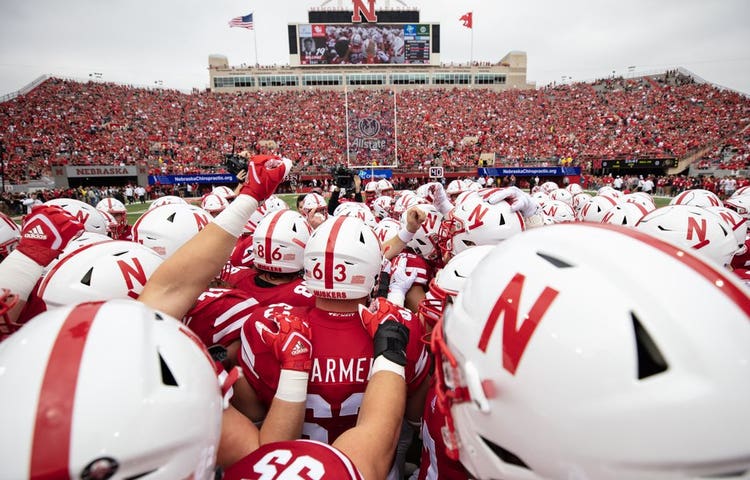
Nebraska Cornhuskers football players huddle before a game at Memorial Stadium in Lincoln, Nebraska.
How to author:
In the DA menu, go to Library > Blocks > and choose Gallery.
Dynamic Gallery
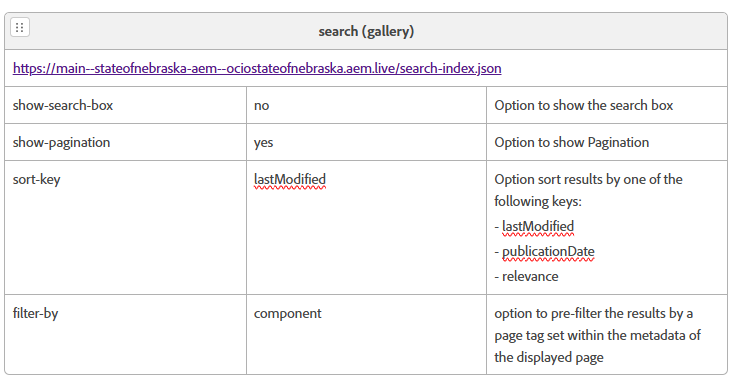
Option sort results by one of the following keys:
- lastModified
- publicationDate
- relevance
How to author:
In the DA menu, go to Library > Blocks > and choose Gallery > Dynamic Gallery.
For more information on how to author dynamic blocks, read the Dynamic Version section.