Templates
Templates provide a starting point for your web pages. They have certain UI elements 'baked in' but still allow a high degree of customizat ion. Sower includes four templates:
Homepage
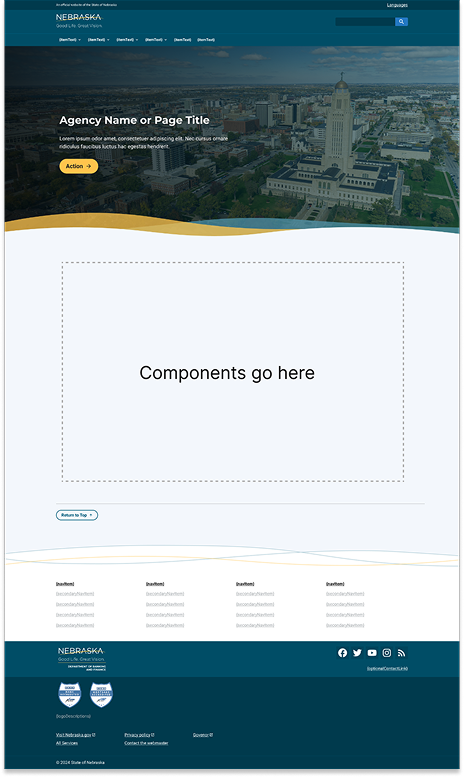
How to author:
In the DA menu, got to Library > Templates > and select Default Homepage Template.
Interior Page with Side Nav
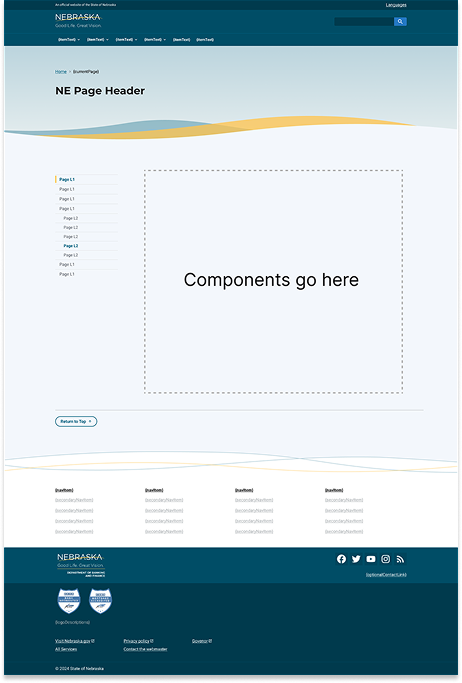
How to author:
In the DA menu, got to Library > Templates > and select Default Content Template w/ Sidenav.
Interior Page with In-page Nav
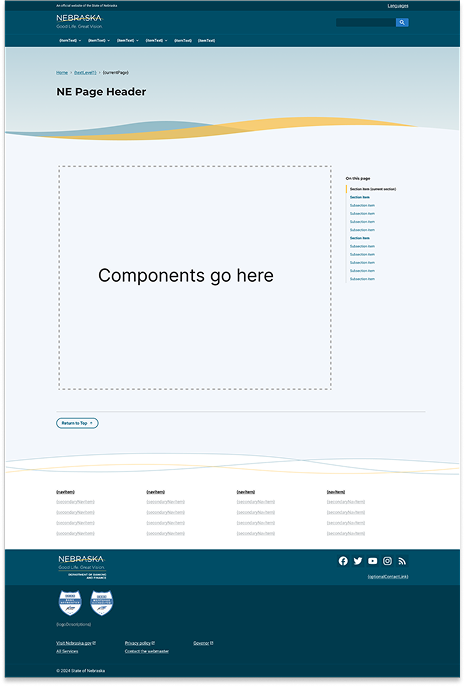
How to author:
In the DA menu, got to Library > Templates > and select Default Content Template w/In Page Nav.
Interior Page (full-width)
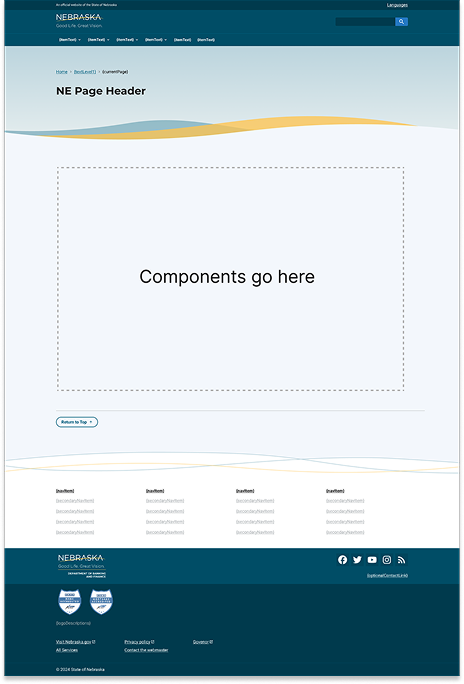
How to author:
In the DA menu, got to Library > Templates > and select Default Content Template.
Event Template
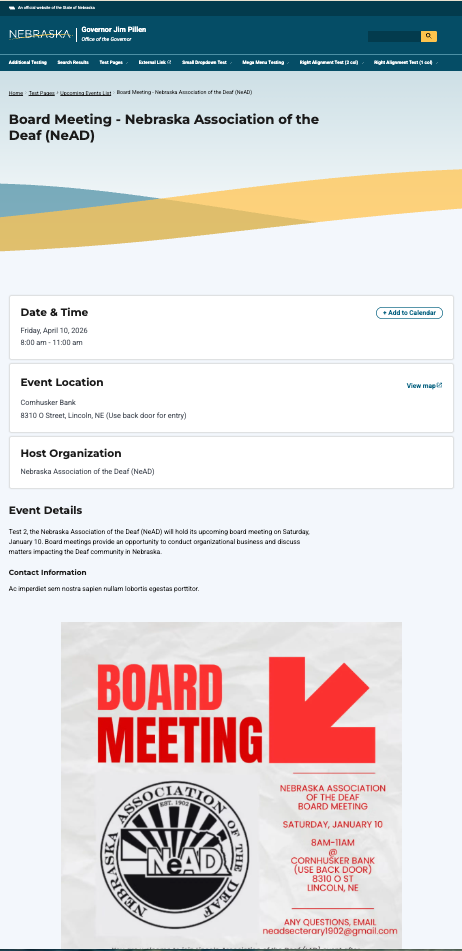
How to author:
In the DA menu, got to Library > Templates > and select Default Event Template.