Homepage Hero
The hero serves as the primary visual and messaging element at the top of a site's homepage page. It provides a strong first impression and communicates key information through a combination of text, imagery, and graphic elements.
Examples:


How to author:
- In the DA menu, go to Library > Templates > and select Default Homepage Template. This will give you a page with the homepage hero embedded at the top:
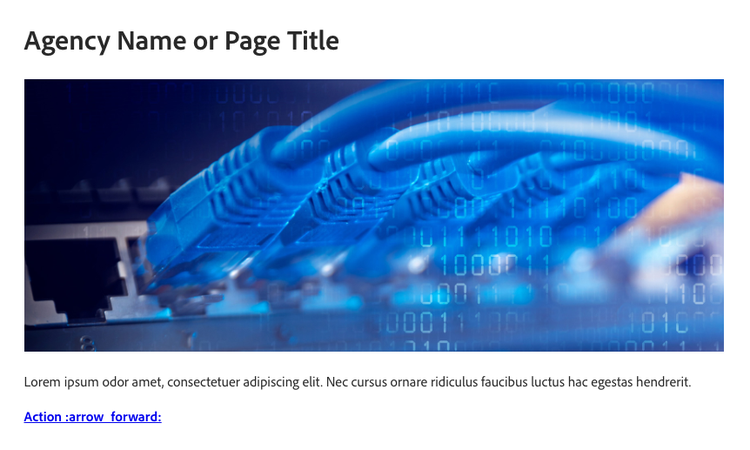
-
To replace the default image, you can drag an image from your desktop to the image area in the block.
-
Be sure to add alt text for your image, so that screen-readers can convey visual content to vision-impaired users. Well-crafted alt text is essential for ensuring web accessibility and usability. To add alt text, select your image and then select "Alt text" in the DA menu and type it into the field.
-
The description text is optional; you can replace it with your own text or remove it.
-
The button is optional. You can remove it or change it. The button should be a bolded link in the following format:

Hero with Video
You can insert a video into a hero instead of an image. Video will automatically stop upon any interaction, such as hovering or tabbing through. There is also a play and pause button to resume or stop the video manually.
Example:

How to author:
- You need to upload the video to the AEM assets
- In the DA menu, go to Library > AEM assets > and select the video. It will paste a link to the video that will automatically display when to preview/publish the page.