Contact Card Grid
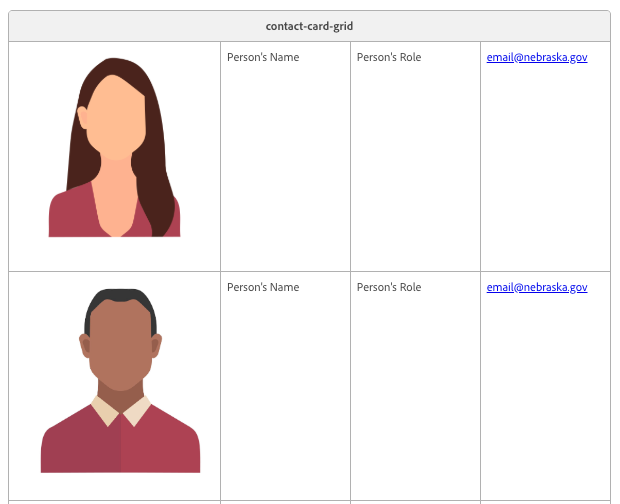
The contact card grid allows you to highlight people in your organization, along with their role and contact information in a grid format.
Example



How to author:
-
In the DA menu, go to Library > Blocks > and select Contact Card Grid
-
You can edit each contact cards' details with your team, and add new rows for additional people
-
Photos (Headshots) display best when the subject is centered and their face is in the top third of the image. They will be cropped to fit within a square area.