Carousel
A Carousel is a slideshow component for cycling through elements such as images or articles.
There are two types of carousel blocks: one displays an image and a heading that links to an article page, and one contains only images.
Both types have arrows to switch slides and a pause/play button to stop or resume auto-scroll.
Carousel with Articles
This type of carousel is typically used to display articles on the page. To do that, you need to put the image in the first column and a level 3 heading with a link in the second column of the Carousel block.
Example

How to author:
In the DA menu, go to Library > Blocks > and choose Carousel with articles
Image-only Carousel
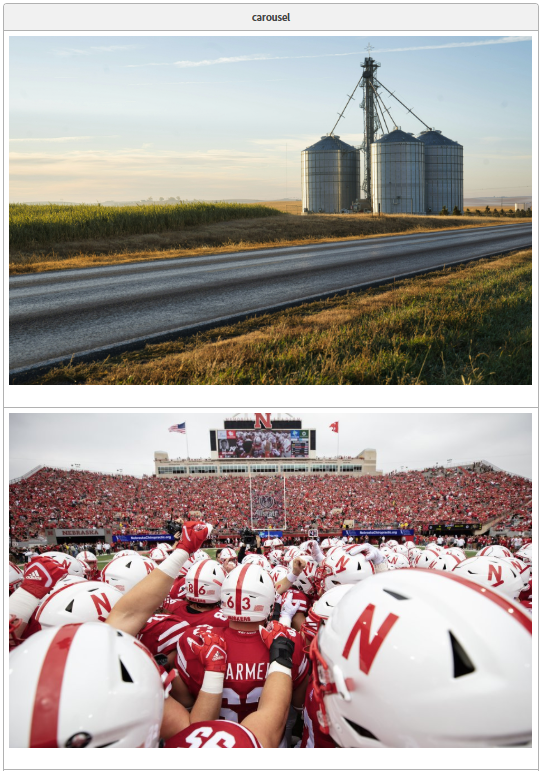
This type of carousel is used to display an image slider on the page without any links. To do this, create a single-column block and place the image inside.
Example



How to author:
In the DA menu, go to Library > Blocks > and choose Image-only Carousel